
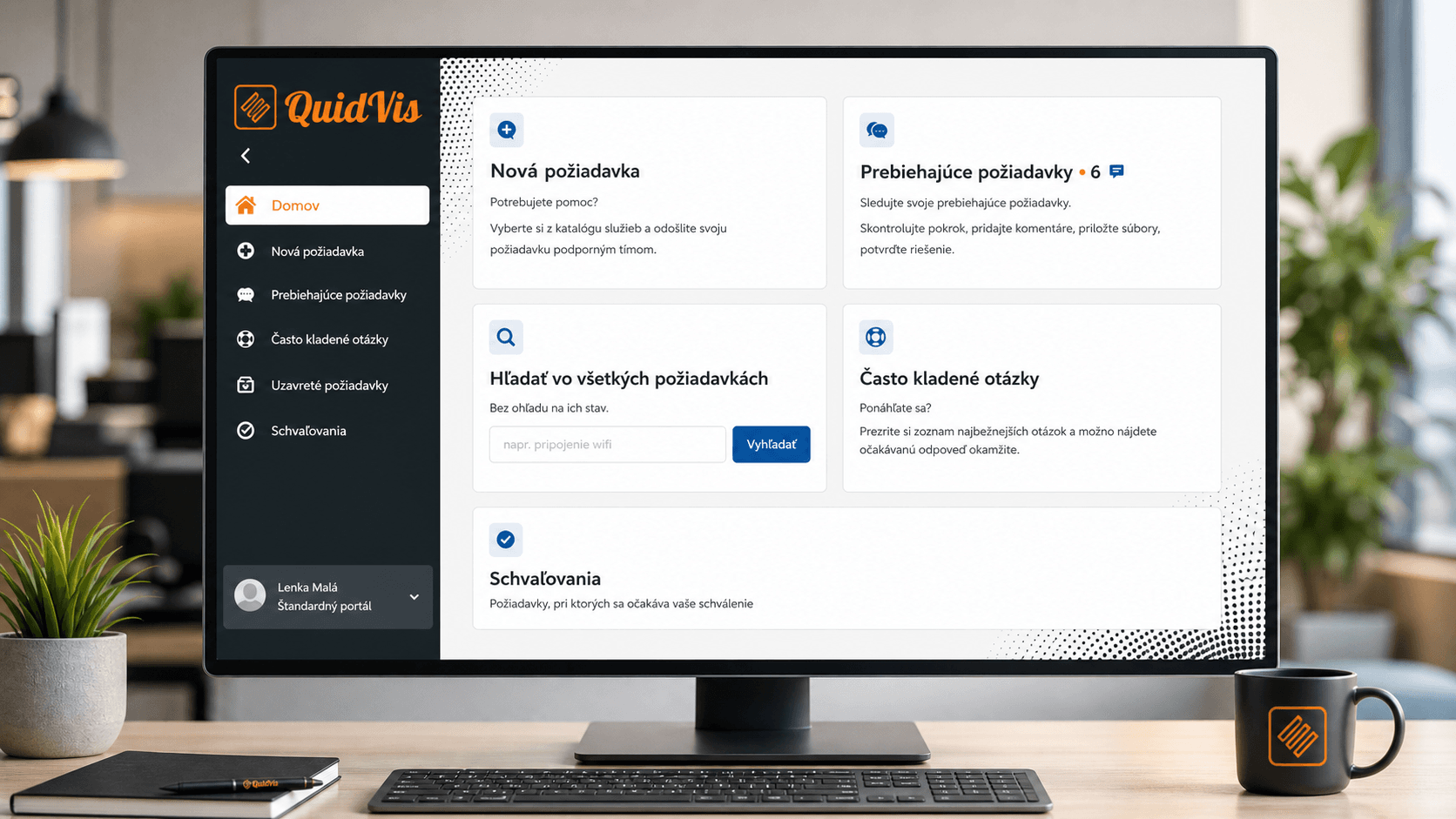
Start here8 min
Workspace overview
Introduction to the QuidVis interface, navigation, home screen and core application features.
Start lessonInteractive QuidVis training guides users through the system clearly, practically and at their own pace. Learn how to submit requests, track status, communicate with assignees and approve important steps.
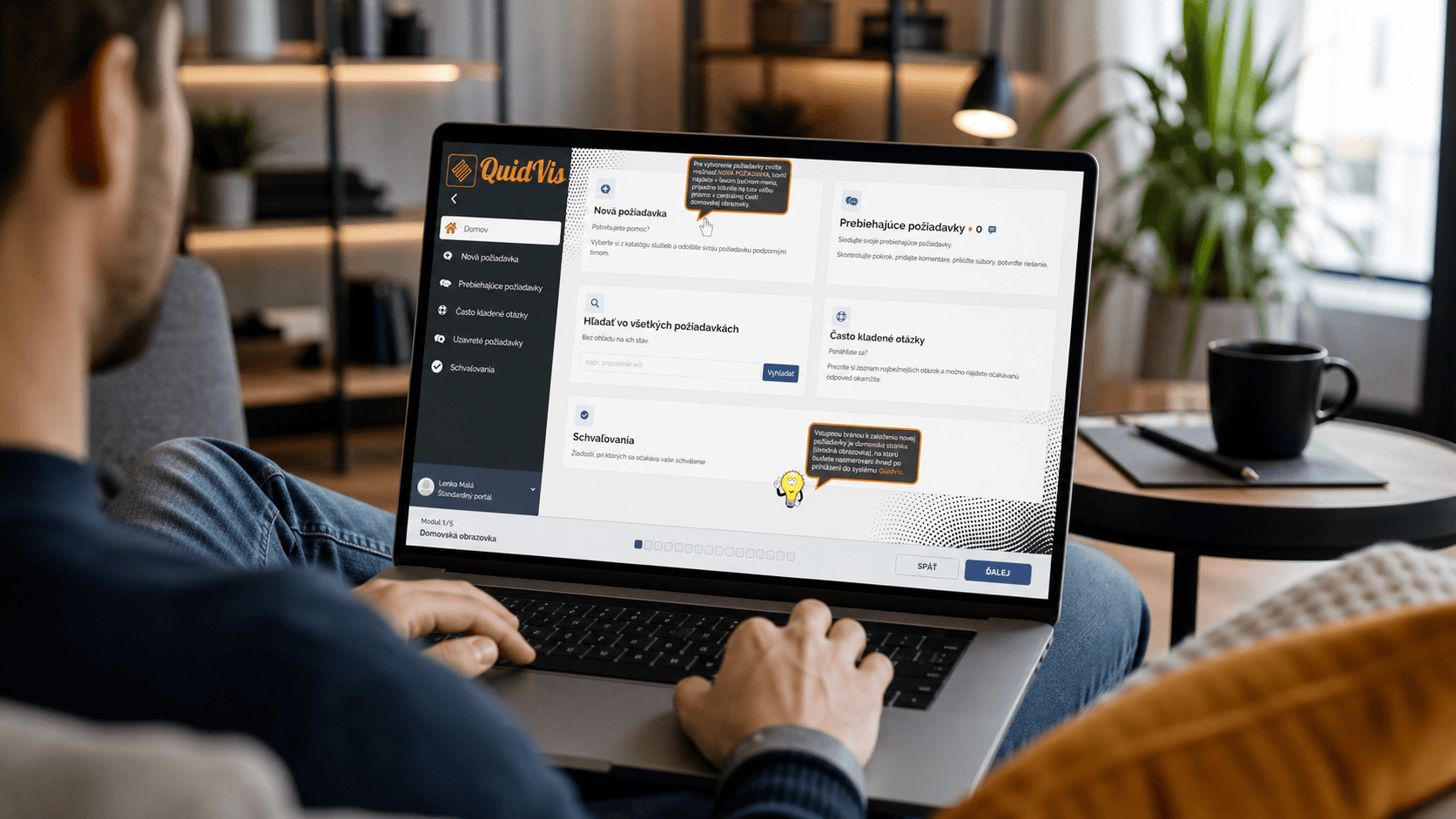

Explore QuidVis at your own pace.
Short practical lessons for users and approvers.
Lessons
Each lesson focuses on a specific situation in QuidVis. Follow them in order or choose the topic you need today.
Introduction to the QuidVis interface, navigation, home screen and core application features.
Start lesson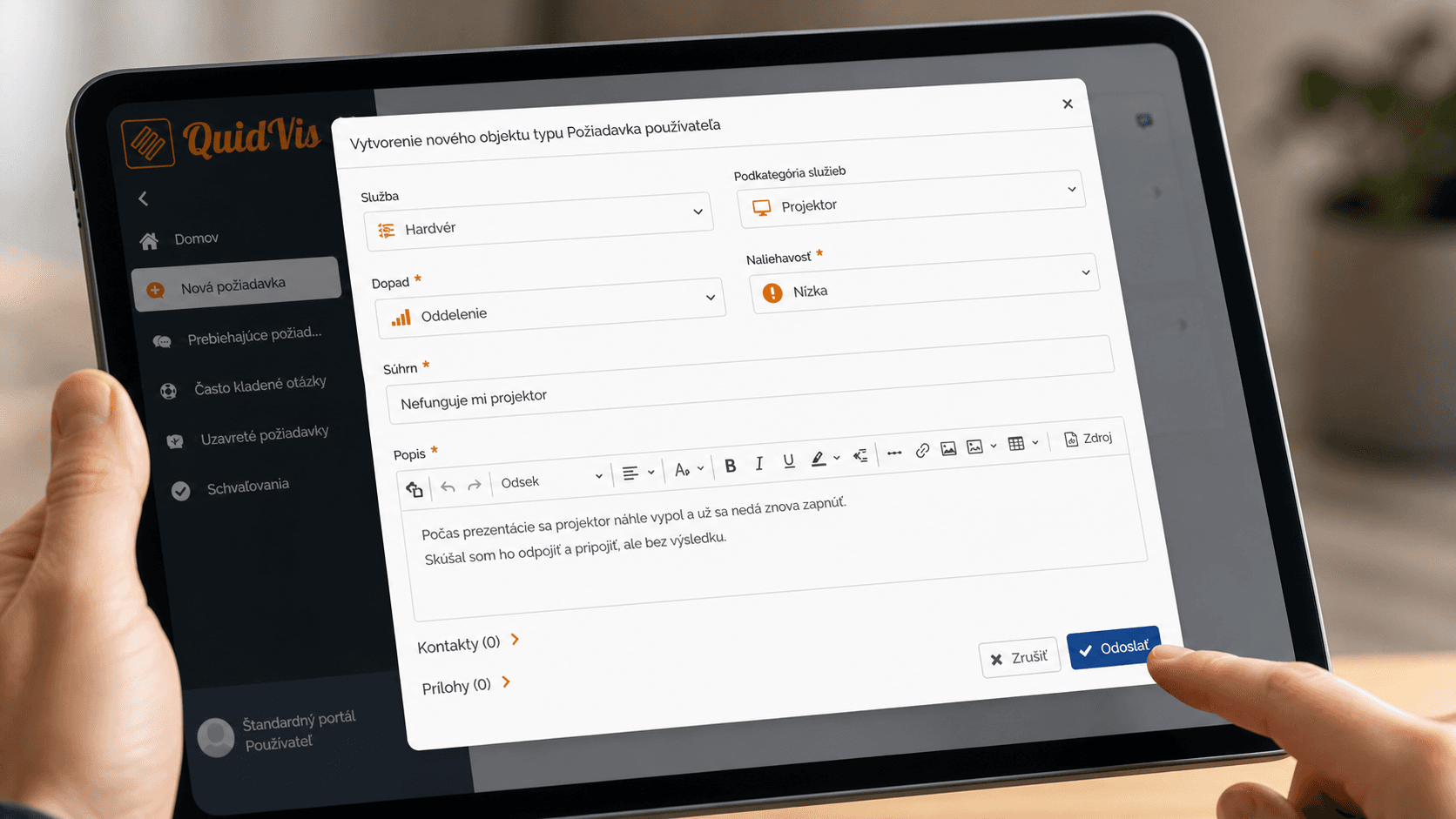
Choose a service, complete the form and submit the request for processing.
Start lesson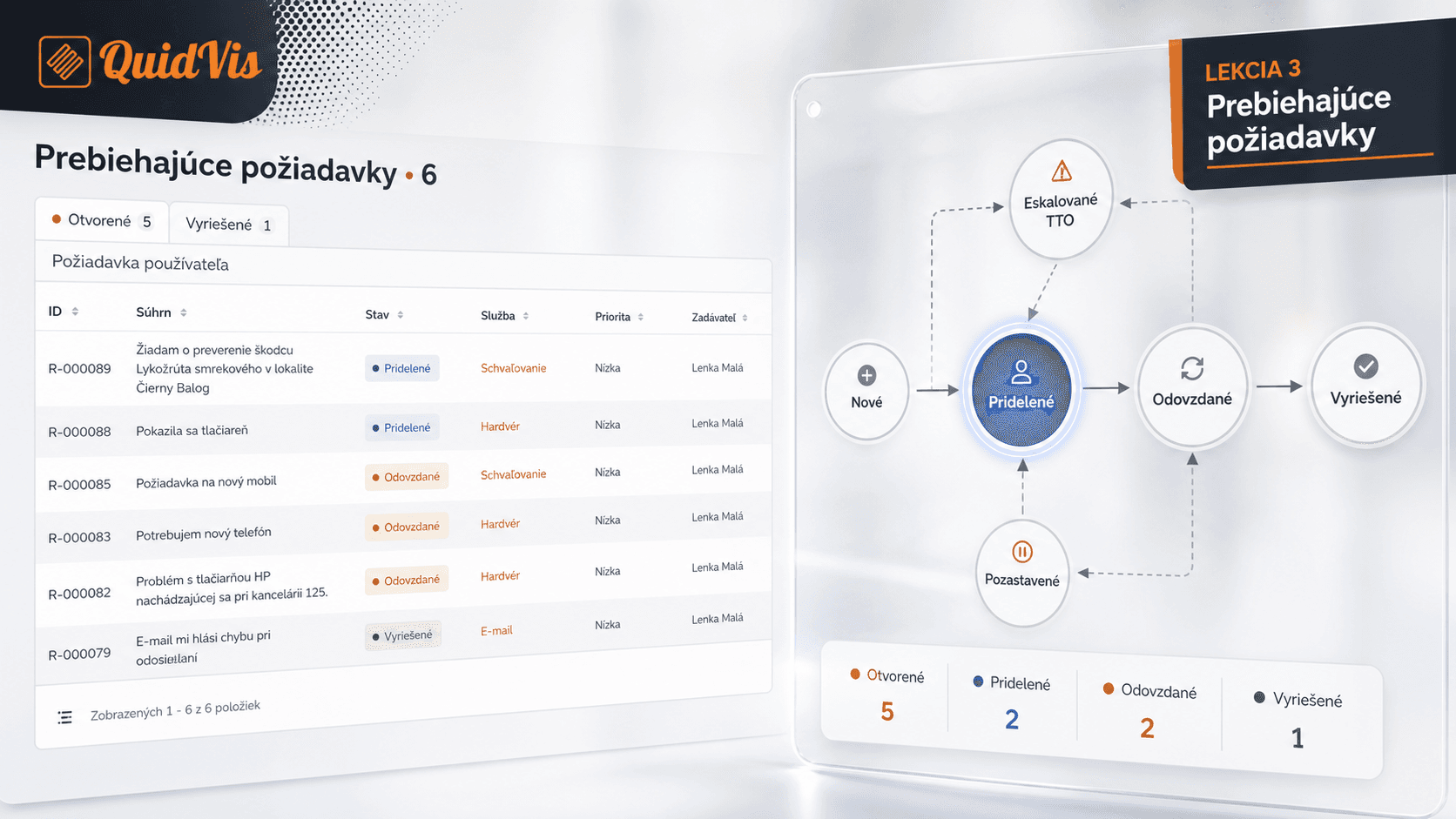
Track request status, communicate with the assignee and add information when needed.
Start lesson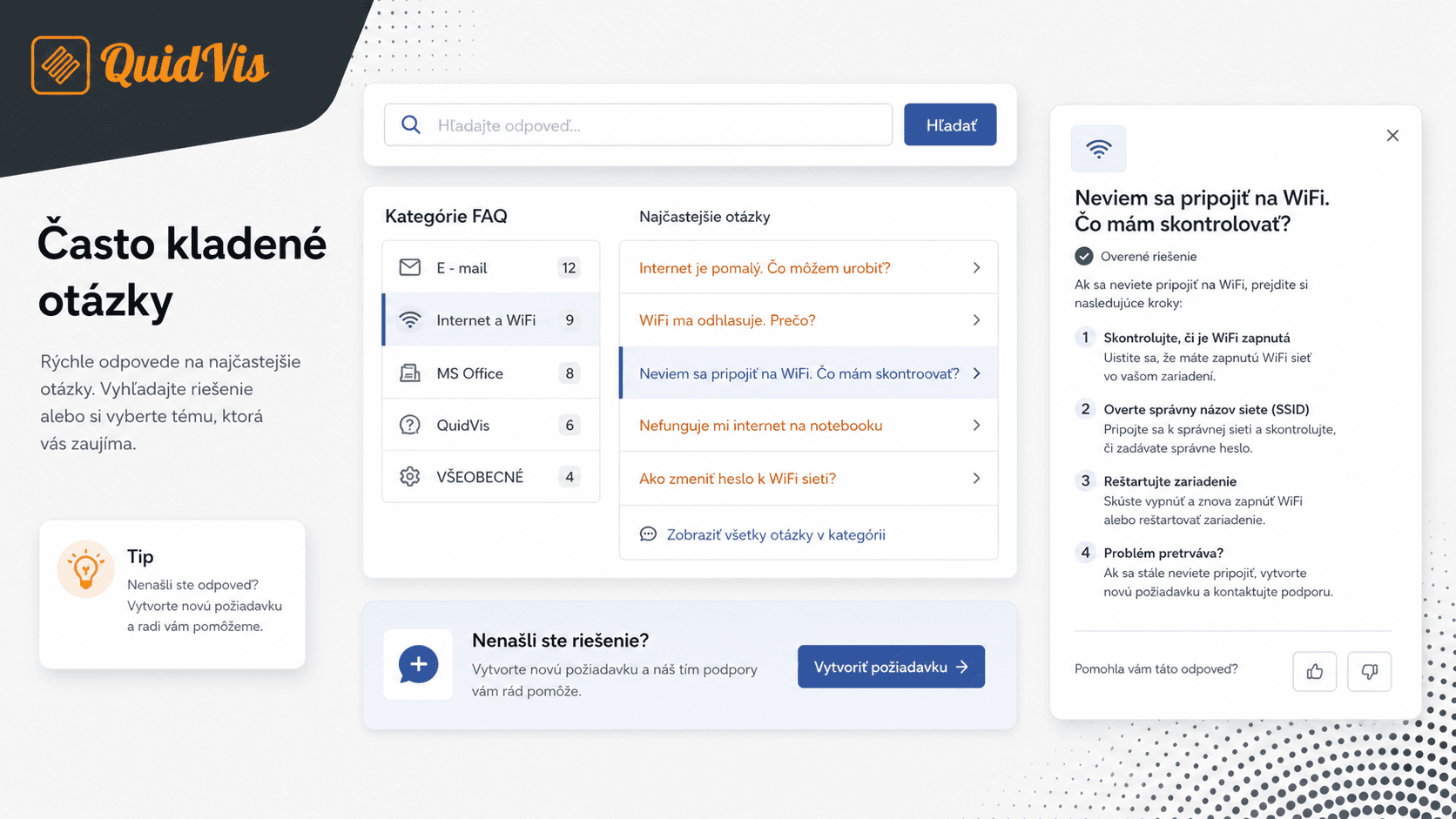
Use quick help and find answers without creating a new request.
Start lesson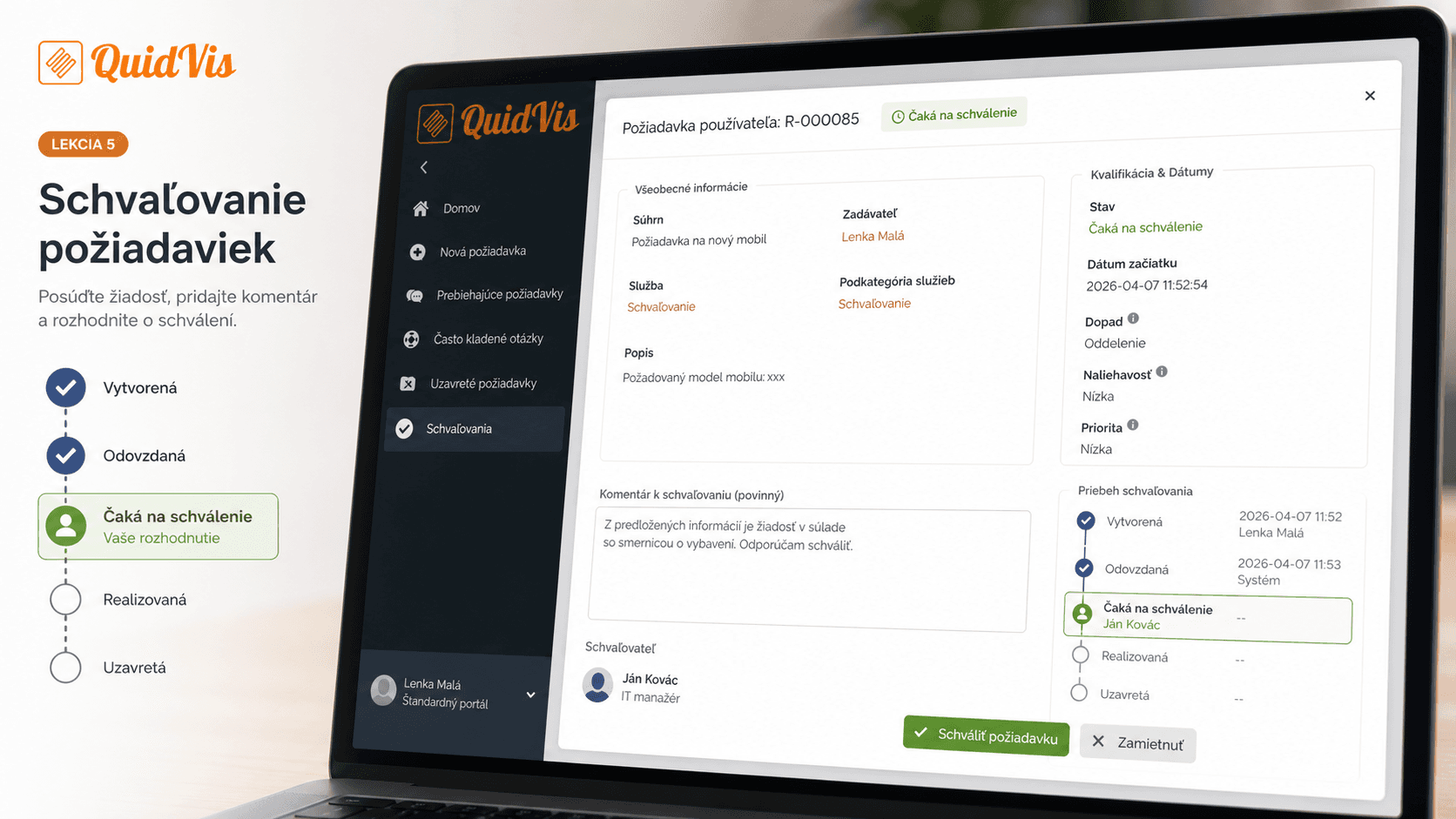
Handle requests waiting for approval and decide whether to approve or reject them.
Start lesson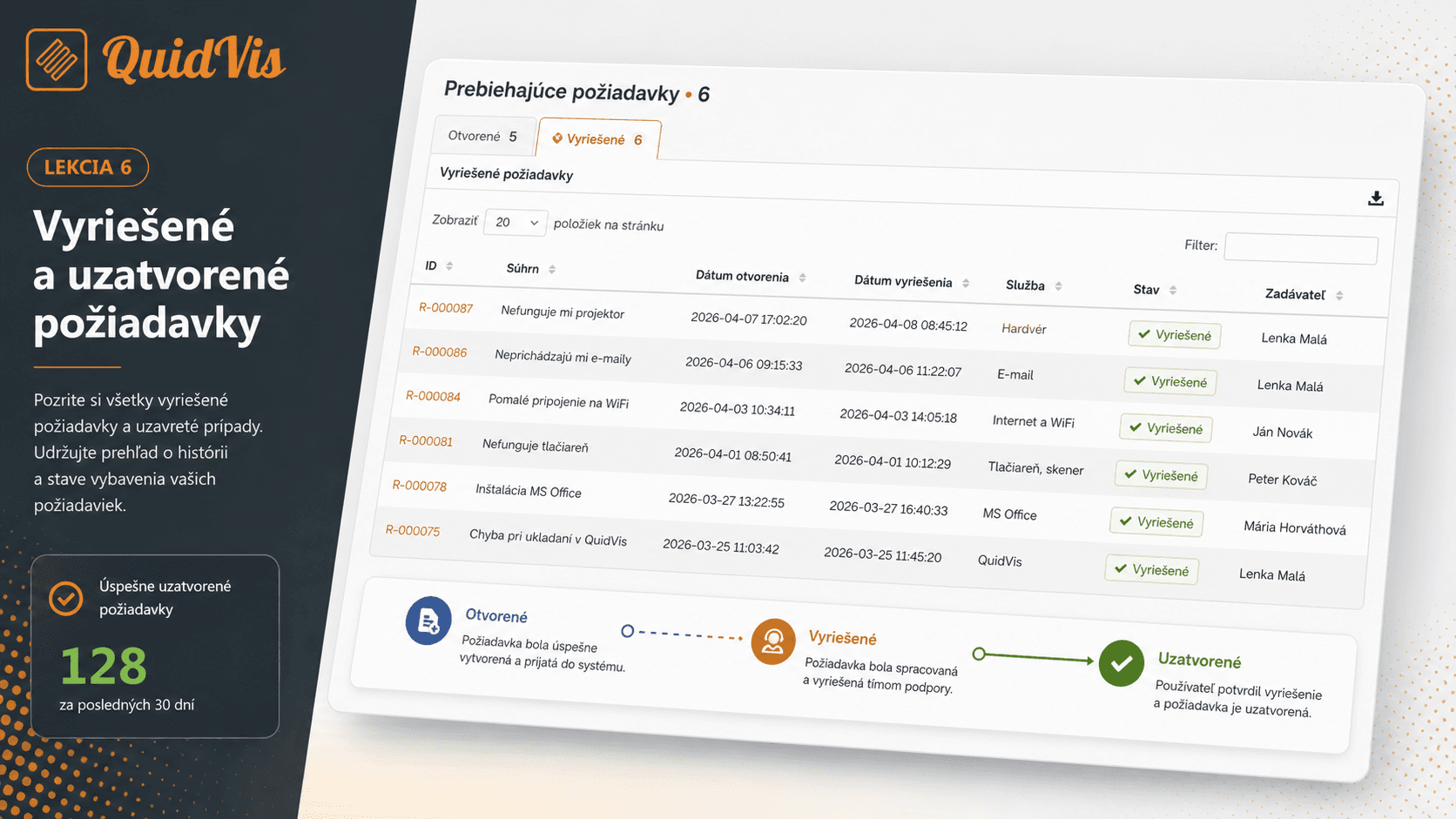
Find closed requests, confirm the solution or return to the history of resolved records.
Start lesson